


Getting Started
Welcome to Griffin View and the Griffin View Community Website!
Some of the features of the website include:
- Your information listed in the resident directory
- A weekly community events update email
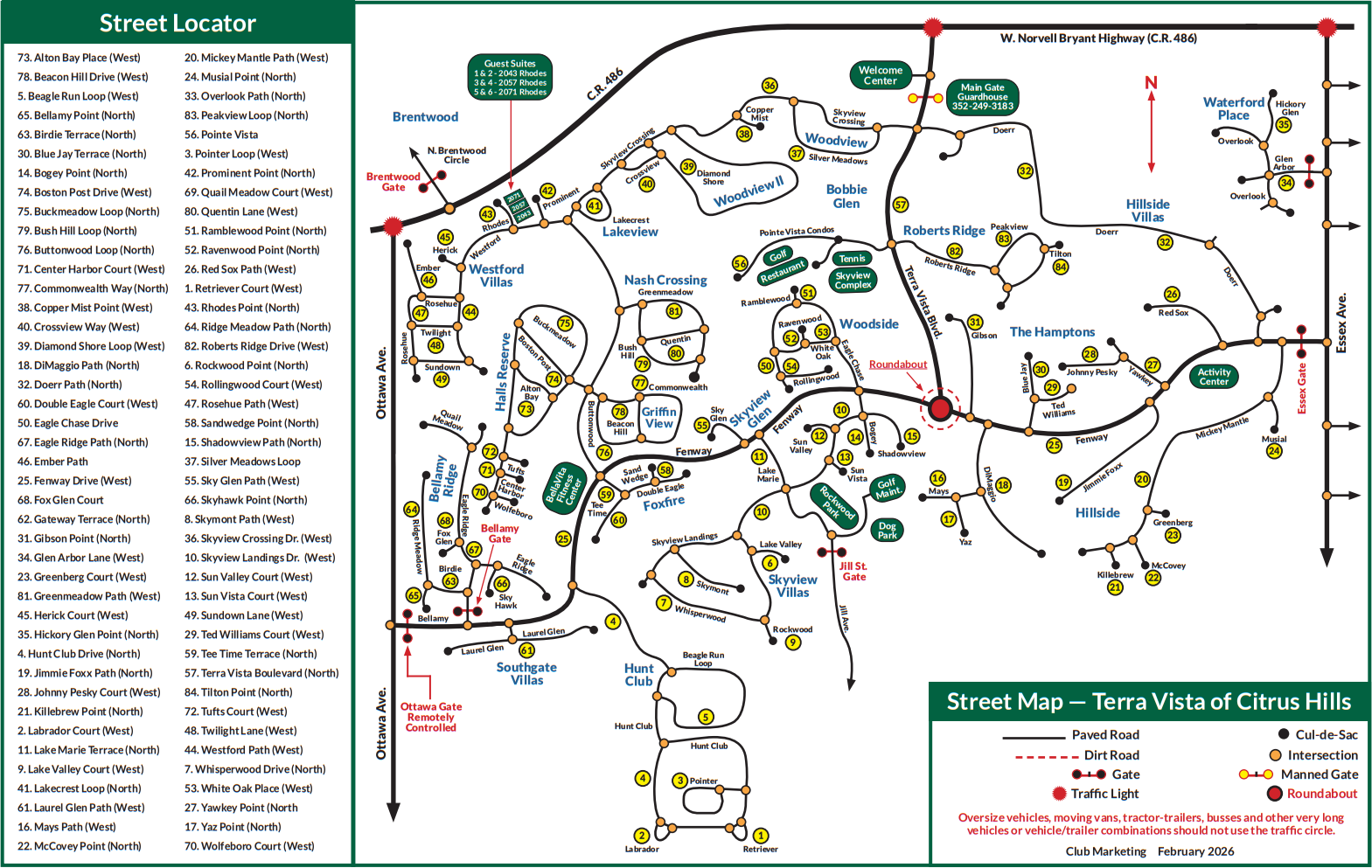
- Access to the community resident directory and map
- The ability to send a broadcast email to all community members
- The ability to receive text messages about timely community matters
- Access to lists of useful information including recommended contractors, service providers, etc.
- Quick access links to Terra Vista phone numbers (restaurants, golf courses, spa reservations, etc.)
- Griffin View clubs and club events
- Access to a list of equipment made available to borrow by other neighbors (i.e., 12’ ladders, power washers, etc.)
The yearly per household cost for the website is $20, billed in February. Use the website for FREE until then! Note that use of the website is optional and therefore the cost is not included in your annual Griffin View POA dues.
STEP 1
- IF USING A COMPUTER: Click “register” (in the upper right corner).
IF USING A PHONE: Click the 3 "hamburger" lines in the upper right corner, click the down arrow, then click “register”. - Select “Homeowner” or “Lot owner” in the “I am a…” field.
- Enter your First and Last Name, Email Address, and Cell Phone, and choose your Password.
- Click the “Register” button.
- After you have registered, wait to receive additional confirmation that your account has been approved and then proceed with STEP 2 below.
- This should come within a few hours.
- Remember to check your Spam or Junk folder for this important email.
STEP 2
- Once your account has been approved, visit the News tab of the website and search for and follow the instructions in the article entitled, Set up your Member Account and Household starting with "STEP 1: Set up your personal member account..." to confirm your account information and add additional information about your household, including additional people living with you, adding a photo, pet information, and more.
Your fellow Griffin View neighbors would love to wish you well on your special day, so please consider adding your birthday to our community calendar. To add your birthday to our community Event Calendar (totally optional, of course), send an email to [email protected] and include your birthday (month and day only please!) and we will add it to the calendar.
If you have any questions or problems with any of the steps please send us an email at [email protected].